
The fastest way to find today's patio photos is to check Google Maps photo streams, Instagram Stories, and the venue's own Facebook or website updates all at once. Each source tells you something slightly different, and cross-referencing all three takes less than five minutes. Do that before you drive anywhere, and you'll show up knowing exactly what the vibe, crowd, and setup look like right now. If you are specifically hunting for today's patio Glendale spots, start by checking the venue's Google Maps photo streams and Stories first for the most current updates.
Today’s Patio Photos: How to Find Proof and Pick a Spot

Kira Carver
27 May 2026
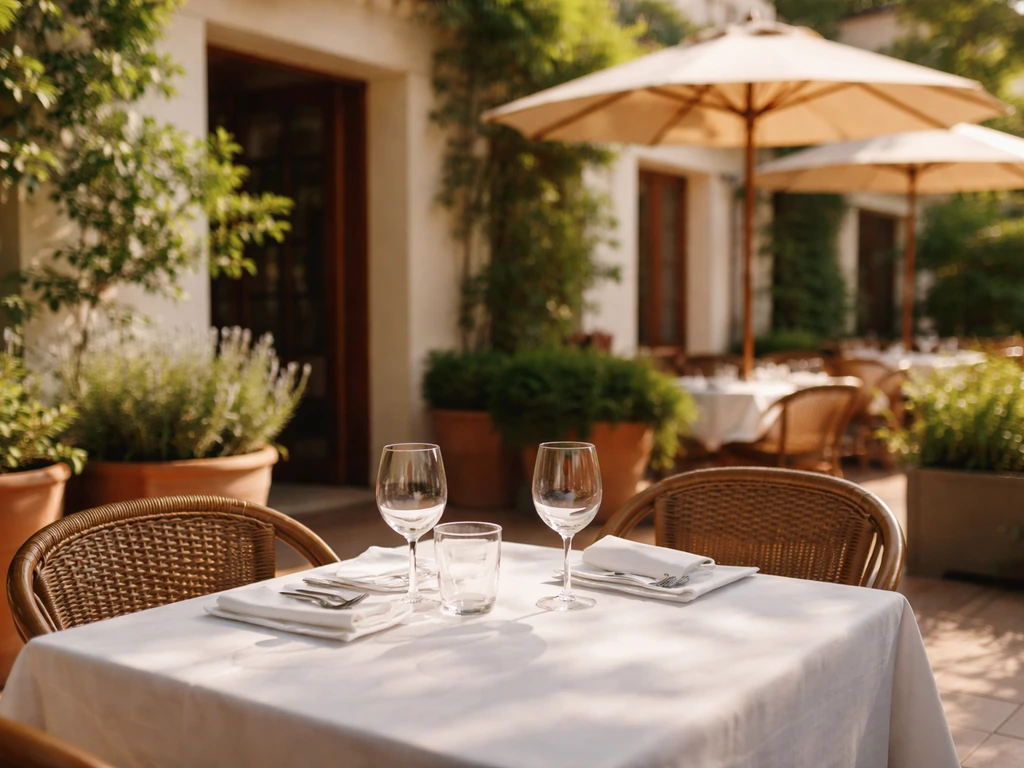
Where to find reliable today's patio photos
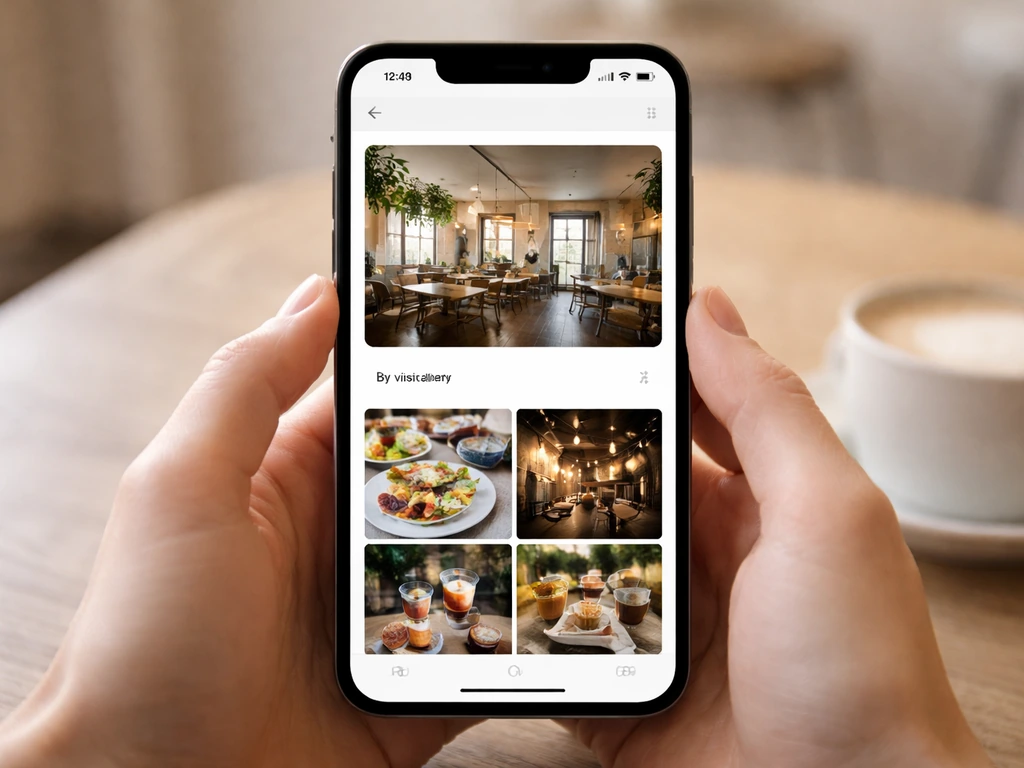
Google Maps is your starting point. When you search for a patio restaurant or bar on Google Maps, tap the photo section on the venue's listing and look at the 'By visitors' feed. blank" rel="noopener noreferrer">Google Business Profile surfaces photo updates from customers here, and those uploads are timestamped so you can see what's recent. blank" rel="noopener noreferrer">Businesses also post official photo updates through their Google Business Profile 'Updates' tab, which shows up directly in Search and Maps results as timely posts. These are your best bet for same-day or same-week shots.
Instagram and Facebook Stories are where the real-time action lives. When a venue posts a Story, it's gone in 24 hours, which means if it's there, it's today's content. Look up the venue's official Instagram handle and check their active Story circle first. Then search the location tag (most patios in active dining markets have their own tagged spot) and tap 'Recent' to see user-generated posts from the last few hours. Facebook Stories work the same way through the mobile app, surfaced in the Feed. TikTok is increasingly useful too, especially for popular patios in cities like Scottsdale, Phoenix, and Glendale, where creators document the scene in real time.
Don't sleep on the venue's own website. Many patio-focused spots in competitive markets update their homepage or a dedicated gallery page with seasonal or weekly photos. It's not always today's photo, but it often reflects the current season and layout. Pair that with their Instagram for the most complete picture.
How to search by location and filter for patio venues
On Google Maps, type 'patio restaurant near me' or 'outdoor bar [city name]' and then use the filter options to narrow by rating, hours (open now), and price. The 'Outdoor seating' attribute filter is buried but it's there under 'More filters' on desktop and in the 'All filters' option on mobile. Checking 'Open now' is critical if you're doing this research in the afternoon before heading out.
On Instagram, location searches are your best tool. Tap the search icon, go to 'Places,' and type the neighborhood, city, or even the venue name. Sort by 'Recent' rather than 'Top' so you're seeing the freshest content. If you're exploring a specific market, like today's patio scene in Scottsdale or Gilbert, searching those location tags directly pulls up exactly what people were posting there today. Facebook's location-based search works similarly if you search a venue name and then filter posts by 'Most Recent.'
For a broader regional search, Yelp lets you filter by 'Outdoor seating' and sort by 'Newest' reviews, which sometimes include fresh customer photos attached to those reviews. Not as fast as social media, but useful for finding patios you haven't heard of yet.
How to verify photos are actually from today
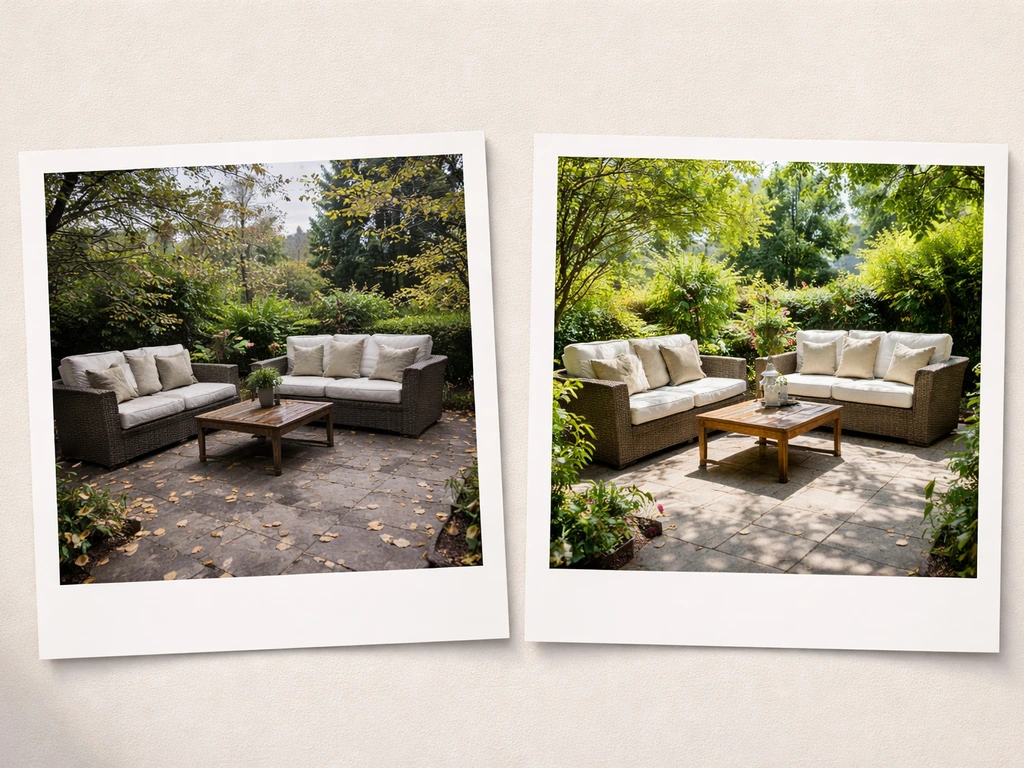
This is the step most people skip, and it's exactly why they end up disappointed. A gorgeous patio photo might be from October when the weather was perfect, not today when it's overcast or the heaters are packed away. Here's a quick verification workflow you can do in under three minutes.
- Check the post or upload date on every photo. Google Maps shows when a visitor photo was uploaded. Instagram posts show the date. Stories are inherently same-day content.
- Look for contextual clues in the caption: words like 'today,' 'this afternoon,' 'tonight,' 'just arrived,' or a current date stamp tell you the photo is current.
- Cross-reference the venue's current hours. If Google shows they're open right now and someone posted a photo 45 minutes ago, that's a strong confirmation you're looking at today's setup.
- Check weather in the photo against today's actual weather. If it's overcast today but the photo shows blazing sun, that photo isn't from today. A quick weather check for your city takes ten seconds.
- Look for today's specials or events in the photo. If a chalkboard or menu sign is visible, see if the listed special matches what the venue advertises for today on their website or social bio.
- When in doubt, call. A 30-second call to the host or bar to confirm the patio is open and set up today saves you a wasted trip.
What to actually look for in patio photos
Once you've confirmed a photo is current, slow down and read it. Patio photos tell you a lot more than just what the space looks like. Here's what I look for before committing to a spot.
- Shade vs. sun exposure: Is the seating area covered with a pergola, awning, or market umbrellas? Full sun patios in Phoenix or Gilbert in late May can be brutal in the afternoon, so shade coverage matters a lot today.
- Heaters and fans: Visible tower heaters or misting fans signal the venue has invested in weather-proofing. Look for them at the perimeter or overhead.
- Seating layout and spacing: Tight communal tables mean a louder, social atmosphere. Widely spaced two-tops suggest a quieter, more date-night setup.
- Crowd density: A photo with every table full at 5pm tells you to either reserve ahead or show up before 4pm. A half-full patio on a Tuesday suggests walk-in friendly.
- Views and surroundings: Is the patio facing a street, a pool, a mountain range, or a parking lot? The background in a photo tells you what you're actually looking at while you eat.
- Accessibility cues: Look for ramp access, flat flooring versus pavers or grass, and whether the path to seating is clear. Venues with good accessibility usually show it clearly in their official photos.
- Noise level indicators: Live music setups (visible stage, speaker stands, mic stands), proximity to a bar, and crowd energy in video content all hint at how loud the space will be.
- Overall vibe: Dress level of the crowd, table settings (cloth napkins vs. paper), and decor style tell you whether it's a casual hang or a more polished experience.
Using what you see to plan your visit right now
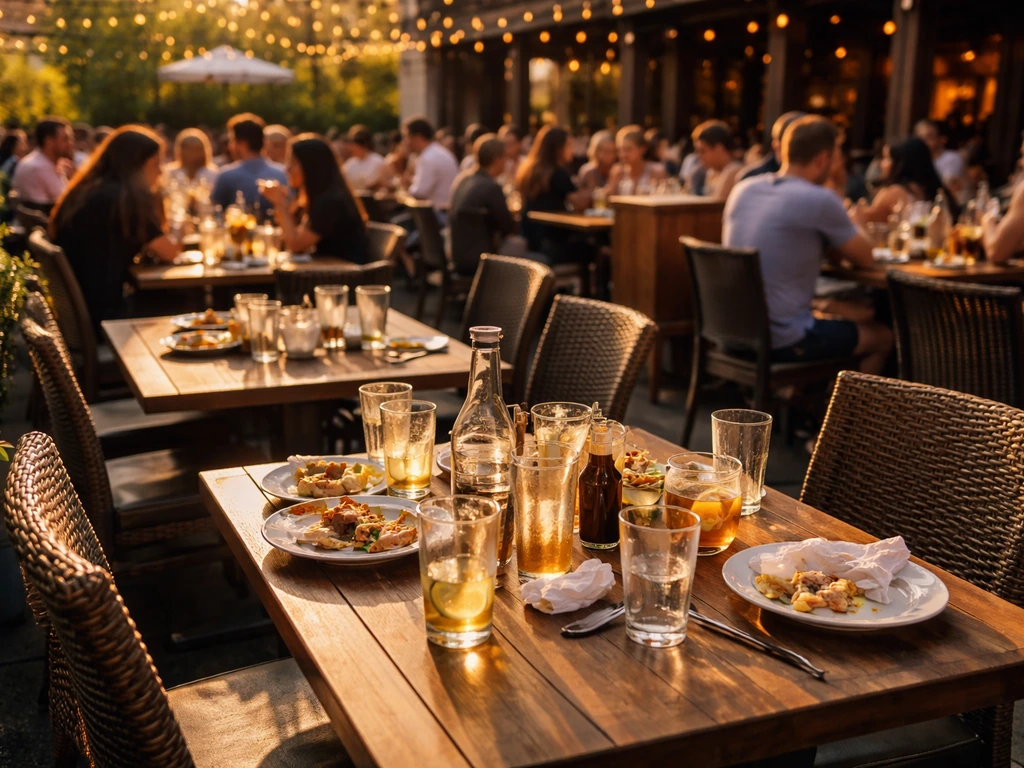
Photos aren't just for deciding if you like a place. They're a planning tool. If the photos show a packed patio on a Wednesday at 6pm, that tells you to call ahead or reserve online before heading over. Most patio-focused venues in active markets now take reservations through OpenTable, Resy, or their own site, and a quick look at availability confirms whether you need one.
Timing is everything on a patio. If the photo shows harsh afternoon sun beating down on the space, plan to arrive after 6pm when it softens. If the photos show heaters being fired up at dusk, that's a signal the venue transitions into a warm evening hang after sunset. Patios in Arizona markets like Phoenix and Scottsdale run the best experience windows in late afternoon to evening this time of year. If you're planning today in Phoenix, use today's patio phoenix az photos to time your arrival during the late-afternoon to evening sweet spot.
Dress code cues come through clearly in crowd photos. If you see guests in sundresses and collared shirts at a Scottsdale patio, that's a smart casual baseline. If it looks like a pool-adjacent swim and patio situation, flip-flops and cover-ups might be totally fine. Matching your outfit to what you see in current photos avoids any awkward surprises at the door.
Amenities worth spotting in photos: fire pits (great for a late-night visit), misting systems (essential for hot-weather markets right now), covered bar areas, and outdoor TV screens (important if you're catching a game tonight). These features are often visible in good patio photography and help you decide if the spot fits your specific plan for today.
Reading promotions and events from patio photos
Venues actively promoting happy hour, live music, or seasonal specials tend to photograph those moments and share them on the same day or day-before. A photo of a chalkboard sign advertising $5 margaritas from 3 to 6pm is the venue essentially confirming that deal is running right now. Same goes for live music: bands set up early, and venues post 'tonight's lineup' photos to their Stories and feed before doors even open.
Look at the caption and any text overlays on Stories specifically. Phrases like 'Tonight 7pm,' 'Live music all weekend,' or 'Extended happy hour today' are direct calls to action the venue is putting out today. Facebook posts from venue accounts in particular tend to include full event details (cover charge, set times, specials) alongside the patio photo, giving you everything you need to make a decision in one place.
If a venue is running a seasonal promotion tied to the time of year, like a summer kickoff special or a Memorial Day weekend deal today being May 27, 2026, those promotions will almost always be announced with a patio photo showing the decorated space or the featured drink. This kind of photo content doubles as the best signal that the patio is fully operational and leaning into the moment.
Pitfalls to avoid when using patio photos to plan
Old photos are the biggest trap. Google Maps listings for popular patios in markets like Glendale or Gilbert can have hundreds of photos, many uploaded during the venue's best season. A stunning patio photo from a cool October evening is not a reliable guide for what that same space looks like in the May heat. Always check the upload date and filter toward the most recent.
Stock or professional photos on a venue's website are almost always aspirational. They're shot on perfect days with professional lighting, no crowds, and every umbrella perfectly positioned. Treat them as a layout reference, not a realistic preview of today. User-generated photos and Stories are almost always more honest.
Weather changes fast. A photo posted at noon showing a sunny patio doesn't guarantee the same conditions at 5pm if storms are rolling in. Always check today's actual forecast alongside your photo research. In markets like Phoenix, a monsoon can transform a patio scene within an hour.
Seasonal closures catch people off guard. Some patios in cooler northern markets close entirely between November and March, but their photos stay on Google Maps and Instagram year-round. Confirm current hours directly, especially if a venue's last social post is from weeks ago. A quick check of their Google Business Profile for updated hours takes ten seconds and saves a wasted trip.
Finally, watch out for venue renovations or layout changes. A patio that got a redesign three months ago will look nothing like photos posted before the change. If something looks off between different photo vintages (some showing one layout, newer ones showing something different), that's a flag to confirm current conditions directly before heading out.
FAQ
How can I tell if a patio photo is actually from today and not an older upload that still looks current?
Yes, but use them differently. Treat a “By visitors” photo as a time reference, and verify it is recent by checking the upload date or story timestamp. If a photo looks professionally staged with no crowd and uniform lighting, assume it is less likely to represent today’s conditions, and prioritize active Stories or user photos from the last few hours.
What should I do if Google Maps says the venue is open, but the photos and Stories seem outdated?
Filter toward “Open now” and also check the venue’s last published hours update on Google Business Profile, since some places change kitchen and bar times even when the patio stays open. If the listing says it is open but Stories have stopped for days, call ahead to confirm the patio is currently in service.
Why do I sometimes find outdated content when I search for the location on Instagram, and how do I avoid it?
On Instagram, “Top” favors engagement, which can surface older posts. Use “Recent” for location searches, then open a few posts to confirm the date shown in the carousel or caption. If the venue has both a main account and a location account, check the Stories on the account that actually posts the patio daily.
Are happy hour or live music promo photos always trustworthy for what is happening right now?
Cross-check the photo with a second signal: captions, overlays, or visible menu boards. A promo photo is most reliable when it includes timing details like “today,” “until,” or specific set times, and when the venue account posts it same-day on Stories. If a deal is only shown on a static website gallery, assume it may be seasonal rather than active today.
How do I confirm the patio area is actually accessible right now, not just shown in photos?
Use the “Outdoor seating” filter on Google Maps, then add “Open now” and a rough time window by checking recent hours. Photos alone do not guarantee access to the patio, since some venues close the outdoor area during staffing or weather. If possible, confirm with one quick check of the venue’s current hours on their Google Business Profile.
What photo clues help me judge whether the patio amenities match the weather today?
Heaters, misting systems, and covered bars can look similar across seasons, so look for contextual cues. In photos, check whether guests are wearing layers, whether umbrellas are open, and whether people are inside versus fully outside. For hot-weather patios, misting photos often include visible mist or fans, and for evening visits, look for lamps or outdoor lighting turning on around dusk.
What does it mean if older and newer photos show a different patio layout, and should I still go?
If you see a layout mismatch, treat it as a renovation or seasonal switch (for example, moving from a bar-side seating setup to a later patio configuration). Compare newer photo dates to older ones, and prefer Stories or the newest “By visitors” uploads. When in doubt, call and ask whether the current patio entrance or seating area matches what you saw in the latest photos.
How can I use patio photo timing to decide when to arrive today?
For time planning, use the photo’s timestamp and match it to sun and crowd patterns. A packed Wednesday at 6 pm usually indicates peak demand, while a sparse afternoon shot may be less predictive. If you are aiming for a specific window, aim to arrive a little earlier than the photo suggests and reserve when availability allows.
If photos show a casual crowd, can I assume there is no dress code?
No. Dress-code expectations can vary by venue and even by which area you are seated in (pool-adjacent versus main patio). Use current crowd photos as a baseline, but if you are unsure, choose smart casual basics, avoid overly formal attire, and keep a light layer in case the patio shifts to cooler evening weather.
Can I rely on Yelp photo uploads to represent today’s patio, or are they usually outdated?
Yes, but it requires a little extra verification. Yelp “Newest” reviews may include photos, but they can be attached weeks old, especially if the reviewer describes a past visit. Only use Yelp photos if the review date is recent, and then confirm with Google Maps “By visitors” timestamps or the venue’s Stories.
What if the patio looks sunny in photos, but the weather might change before I arrive?
Weather photos are not guaranteed, even if they look convincing. Always check the current forecast immediately before leaving, and factor in how quickly conditions change in your area (for example, rapid storms in monsoon-prone regions). If rain is likely, prioritize photos posted after the last weather change or switch to venues with reliable covered seating.
How do I handle seasonal closures when the venue’s social posts are old but the photos still appear active online?
If the venue posted recently but mentions closures or “seasonal switching,” interpret the patio as potentially operating differently than during peak season. Confirm current hours on Google Business Profile and check whether the venue is still accepting reservations for outdoor seating. A gap in posting combined with unchanged photos can be a strong sign that the patio is temporarily limited or closed.